Bivariate histograms
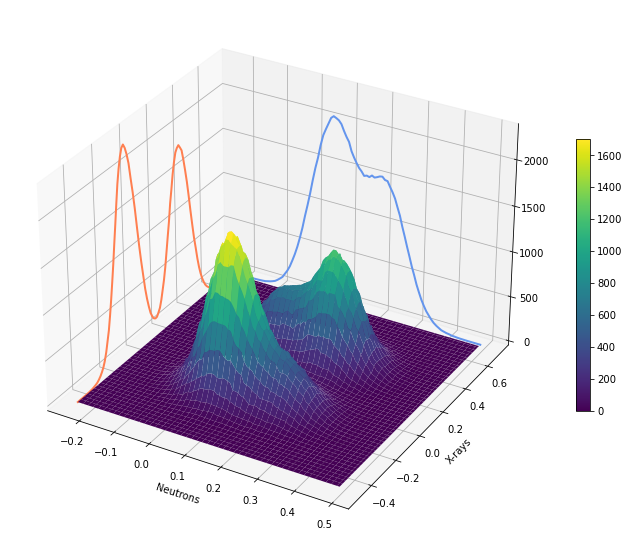
Histograms are a great way to get an overview of the information distribution of an image. This notebook shows how to create bivariate histogram with and without logarithmic scaling.
What you need to produce this histogram is
Two images (n and x) and
- the numpy functions
histogramandhistogram2d:H, xedges, nedges = np.histogram2d(x.ravel(), n.ravel(), bins=nBins) nH,nax = np.histogram(n.ravel(),bins=nedges) xH,xax = np.histogram(x.ravel(),bins=xedges) - the matplotlib function
plot_surfaceimported usingfrom mpl_toolkits.mplot3d import Axes3D:X, Y = np.meshgrid(xedges[:-1], nedges[:-1]) fig = plt.figure(figsize=(12,10)) ax = fig.gca(projection = '3d') hScale = 0.05 ax.plot(nedges[:-1], hScale*xH, zs=xedges.min(), zdir='x', lw = 2., color = 'coral') ax.plot(xedges[:-1], hScale*nH, zs=nedges.max(), zdir='y', lw = 2., color = 'cornflowerblue') cax=ax.plot_surface(X, Y, H, cmap='viridis') fig.colorbar(cax,shrink=0.5) ax.set_ylabel('X-rays'); ax.set_xlabel('Neutrons'); plt.show()
